Power Modes
Power Option
Two different sources can power the Pulsar EVK board.
USB: The primary source for both power and data is the USB-C connector on the IgnisCore board. You may use a power bank or connect to a laptop as the power supply.
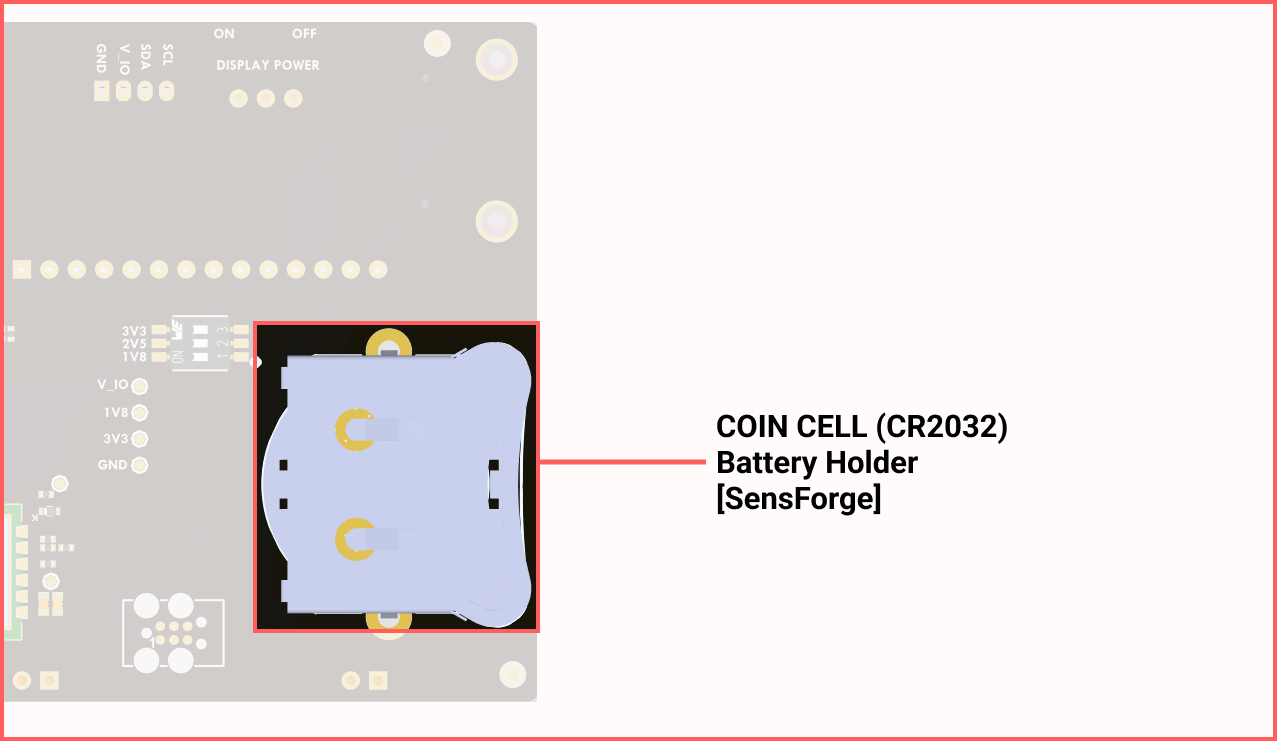
CR2032 Battery: The SensForge board features a Coin Cell Battery Holder that requires two CR2032 batteries. This is usually used to supply backup power to a Real-Time Clock (RTC), enabling the processor to maintain time when the main power is disconnected.
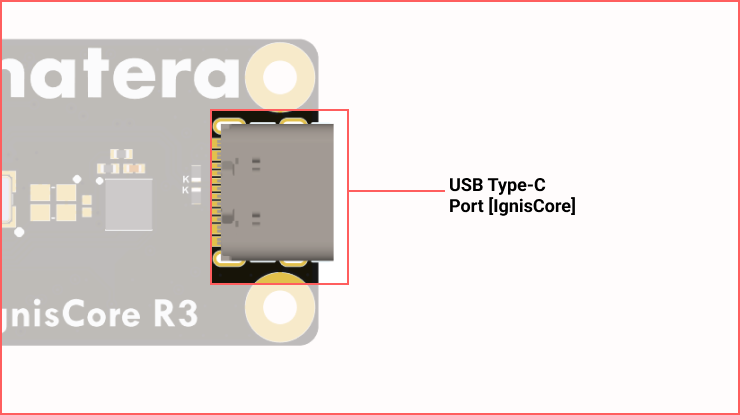
Power Switches
To provide maximum flexibility and power efficiency, the Pulsar EVK features independent power domains. These are controlled by two primary hardware switches located on the SensForge and IgnisCore boards.
1. System Main Power Switch
This switch controls the primary power delivery to the entire board stack (IgnisCore + SensForge).
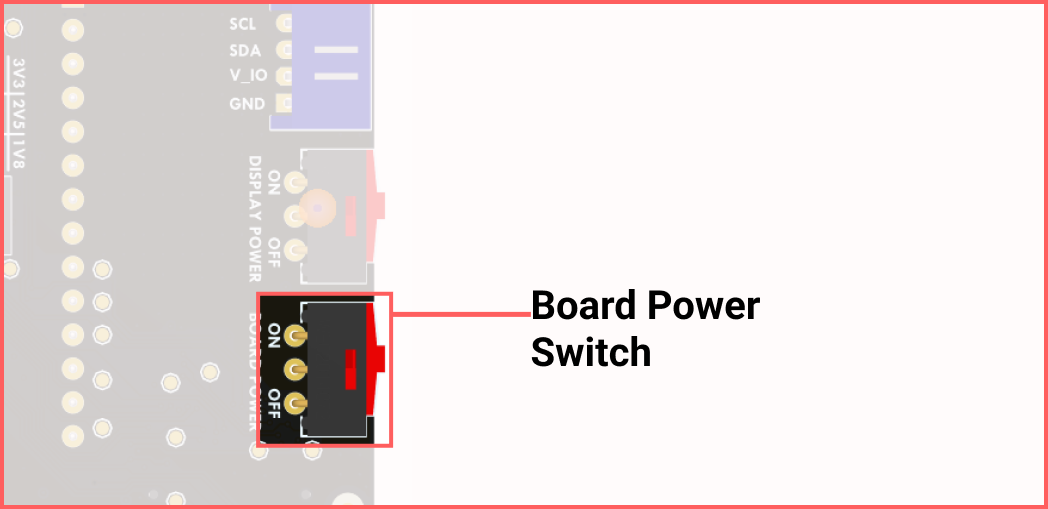
Function: Toggles the power input from the USB-C connector to the onboard voltage regulators.
Usage: Ensure this is in the OFF position when swapping boards or connecting external sensors to the GPIO header to prevent electrical transients.
Indicator: When switched ON, the green PWR LED on the IgnisCore will illuminate.
2. Display Power Selector
The SensForge board includes a dedicated power switch specifically for the visual output domain.
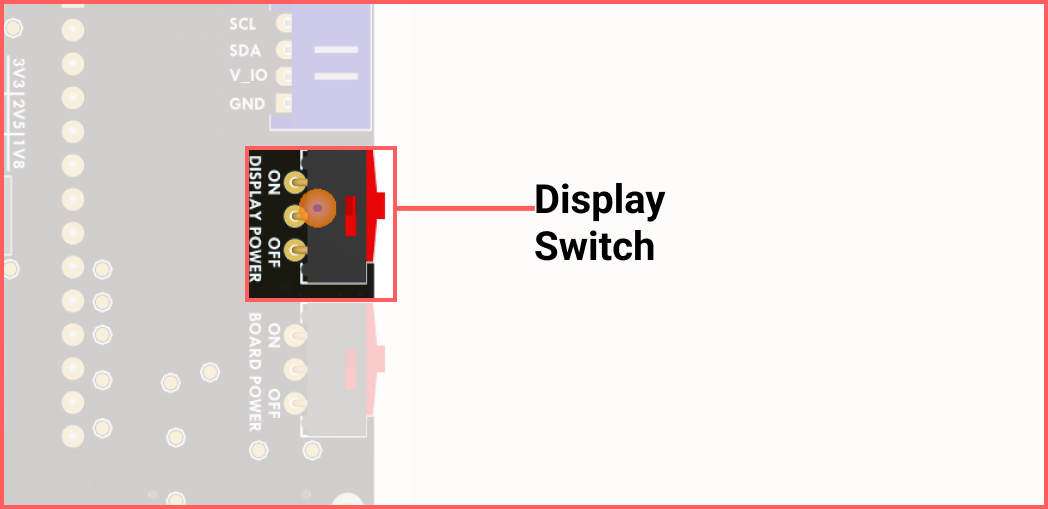
Function: Enables or disables the power connected to the display.
Usage: If your application does not require visual feedback, keeping this domain powered down (OFF Position) will yield more accurate current-sense readings for the chip.
Bootmode Options
The IgnisCore board features a two-way DIP Switch, a boot-select switch, and a UART Mode switch, allowing manual selection of Pulsar boot mode. The DIP switch for boot mode is Switch 2; use it to select the desired mode. The Switch 1 serves as a UART switch mode (UART_SW) for Pulsar and Bluetooth Low Energy (BLE).
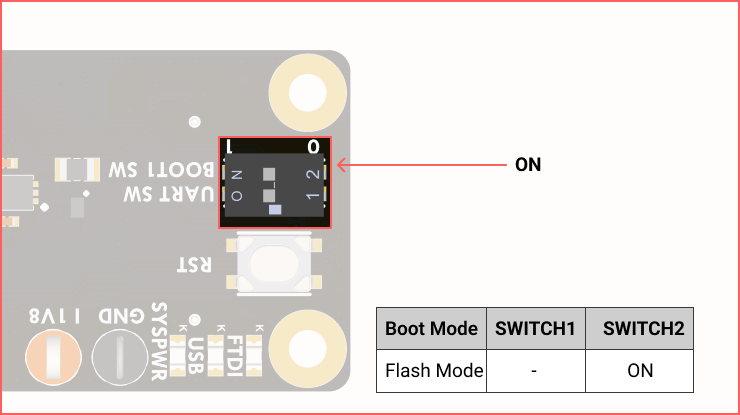
DIP Switch |
Description |
ON Position |
OFF Position |
|---|---|---|---|
Switch1 |
This is the Boot mode that toggles between the following boot modes: UART mode, FLASH mode. |
Boots in FLASH Mode |
Boots in UART Mode |
Switch2 |
This serves as the UART switch [UART_SW], which changes the UART operation mode for Bluetooth Low Energy (BLE) and C1 (Pulsar). |
The BLE UART connects to the C1 UART. |
The BLE UART and C1 (Pulsar) UART connect to the host concurrently. |